
Add an Artist your Hold
- To add an artist, click into the hold from the calendar view.
- Lower on the page, under "Artists," you will see a space to add an artist. Click the box to begin typing.
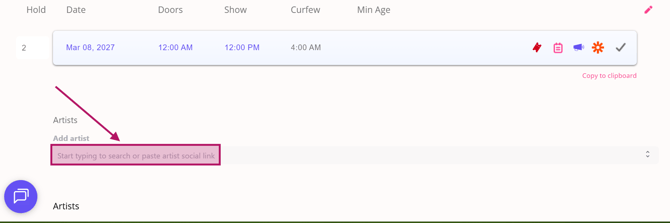
- Start to type the name of the artist and then select the artist from the drop down.*
- If the artist name doesn't automatically populate, you can add it manually.
- From here, you can add the artist's Hospitality Rider, Tech Rider and other information.
- Under "Info," you can add artist links, photos and bio.
- You can also begin an Offer and/or Settlement Sheet

*PLEASE NOTE: Artists must have a Bandsintown account for their events to be listed in Spotify.*
Now that you have added an artist, continue onto:
🆘Still need help? Reach out to us @ clientsupport@venuepilot.co